

Summary
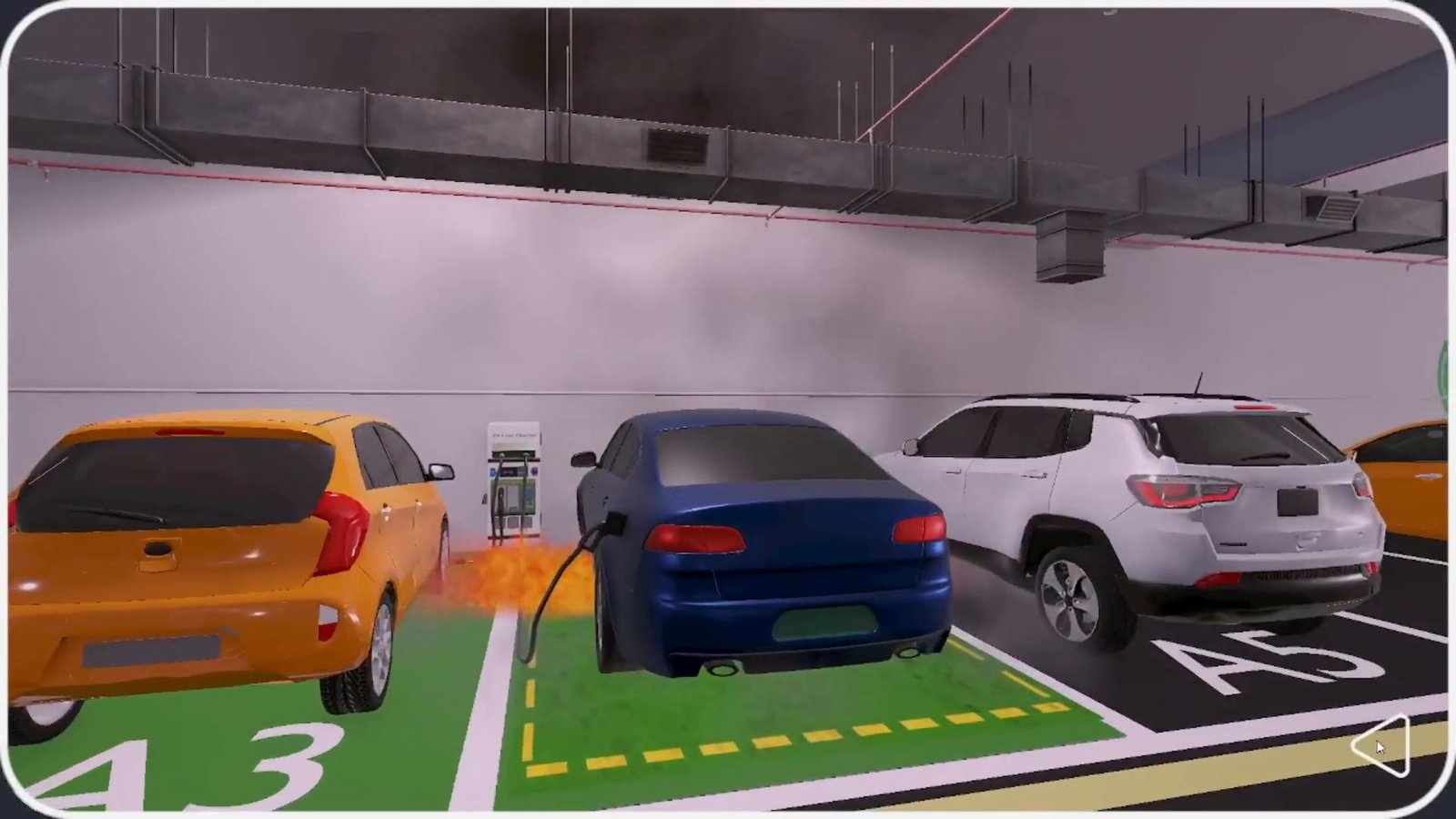
EV Fire Pro makes automatic fire-suppression systems for parked electric vehicles. We built an interactive 3D product demo that shows its underbody system detecting and putting out a battery fire in three settings: residential parking, a shopping mall and a corporate basement.
The client now uses one demo for exhibitions, sales meetings, government pitches, staff onboarding, its website and social media.
The brief: demonstrate a product you cannot show live
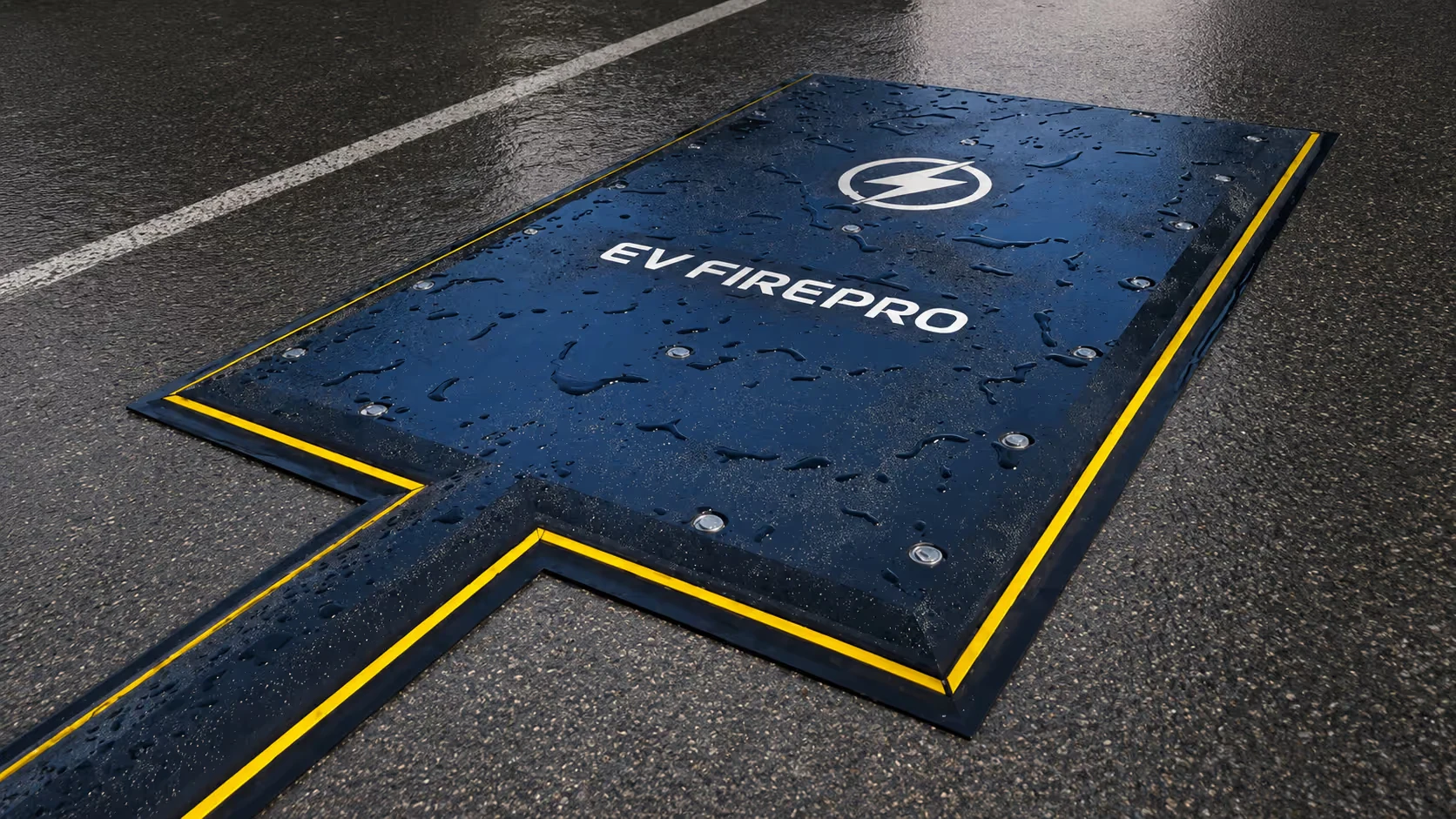
The system is built to detect and contain lithium-ion battery fires in parked EVs before they spread. It installs beneath the parking bay and activates within seconds of detecting fire signatures, spraying water at the underbody and sides of the vehicle to contain the fire and protect the structure around it.
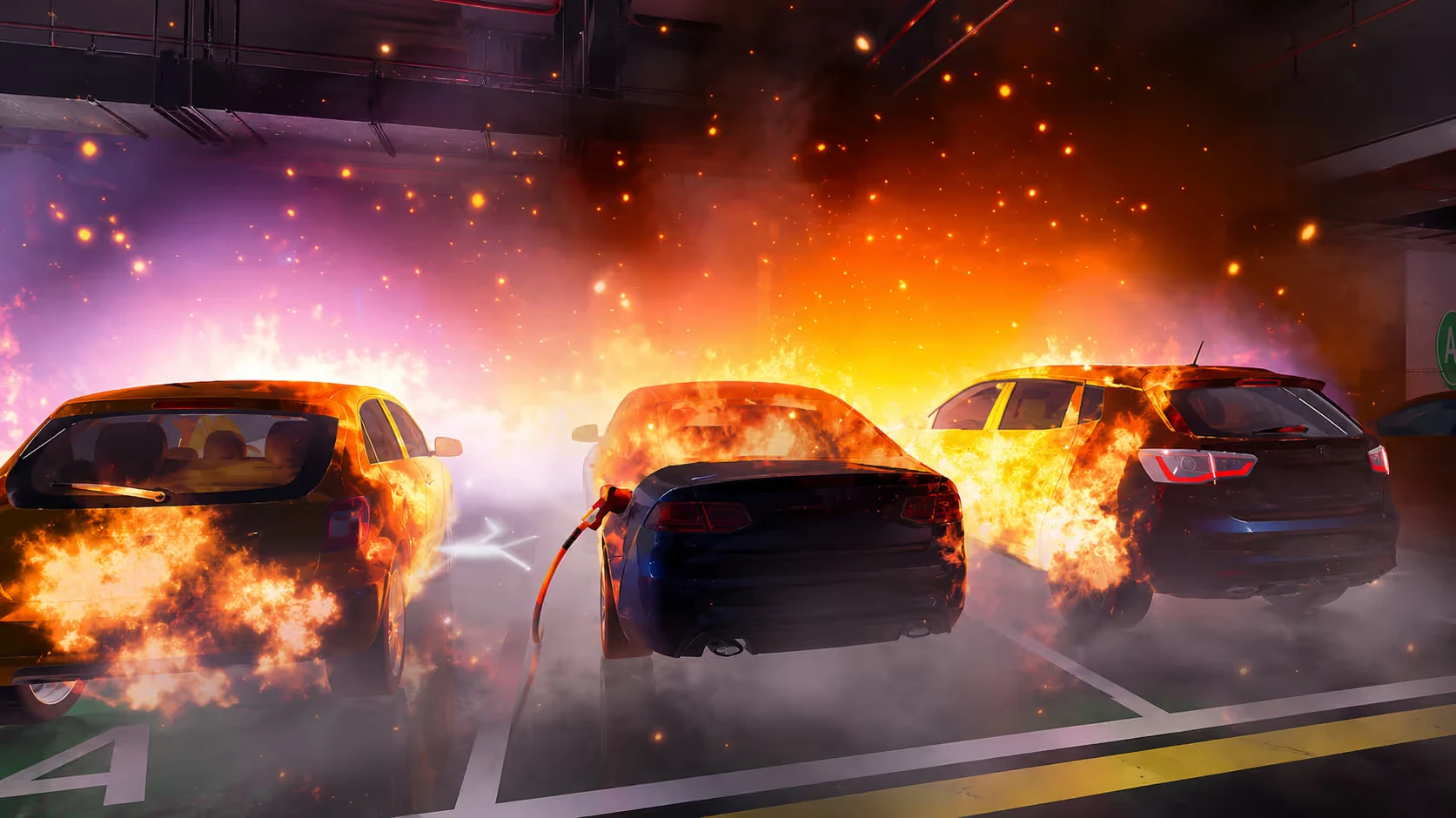
The need is growing. EV adoption is climbing, and so is battery-fire risk: roughly 25 EV fires per 100,000 vehicles sold, each capable of compromising an entire parking structure if left unchecked.
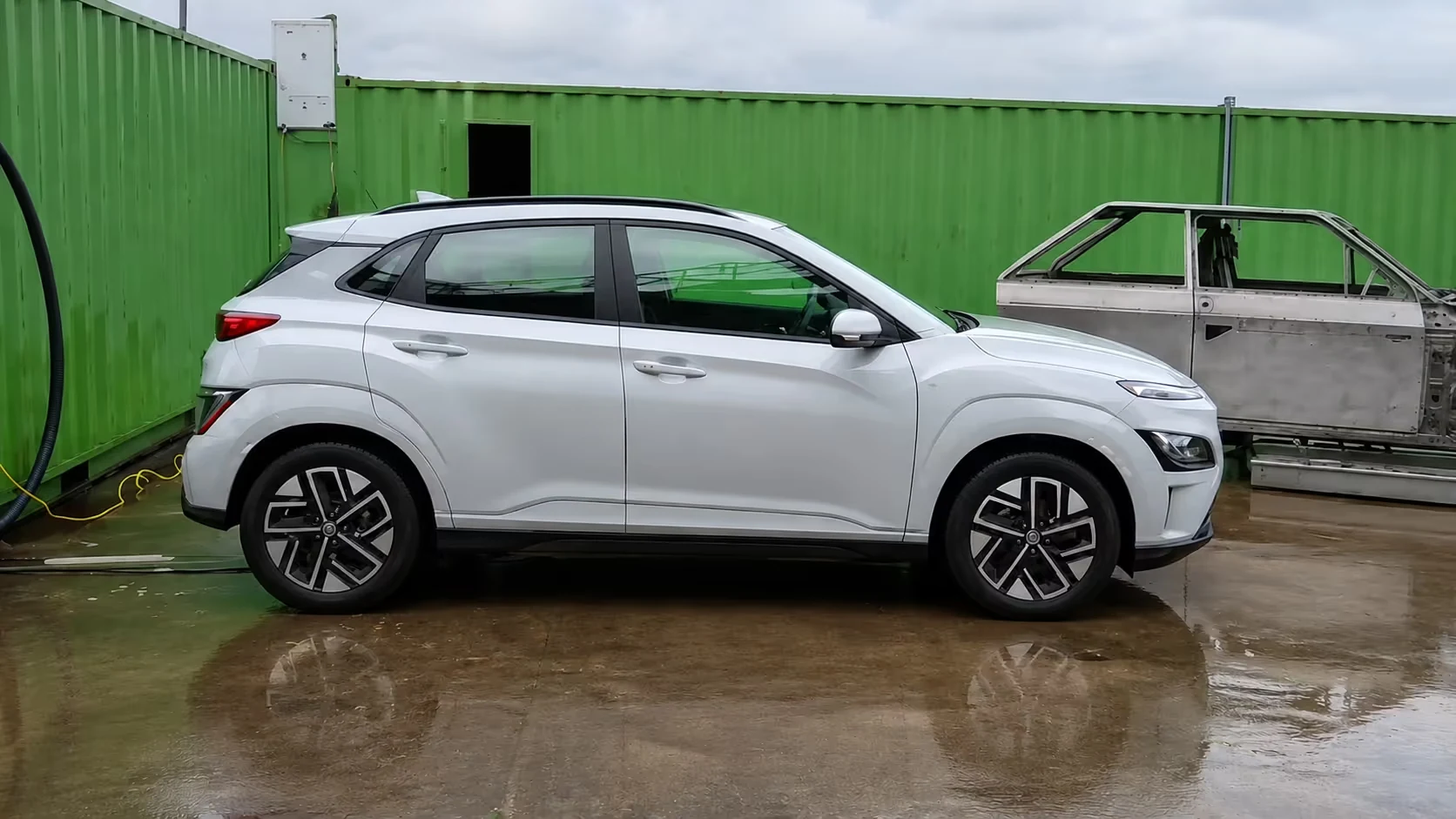
But the product is hard to show. You cannot bring a suppression rig into a sales meeting or safely start a battery fire on an exhibition floor. Photographs flatten the engineering, and a linear video cannot let a buyer choose the parking setting that matters to them. The client needed a demo that could:
- Show the full sequence from fire detection to suppression in a real-world setting
- Adapt to the parking environment each prospect cares about
- Travel anywhere: trade-show booths, laptop pitches, government briefings and the company website
- Help onboard new staff and brief emergency responders on what the system does
What we built
We designed and built a fully simulated, interactive 3D demo that recreates how the suppression system works, with photo-realistic visuals and a choice of setting.
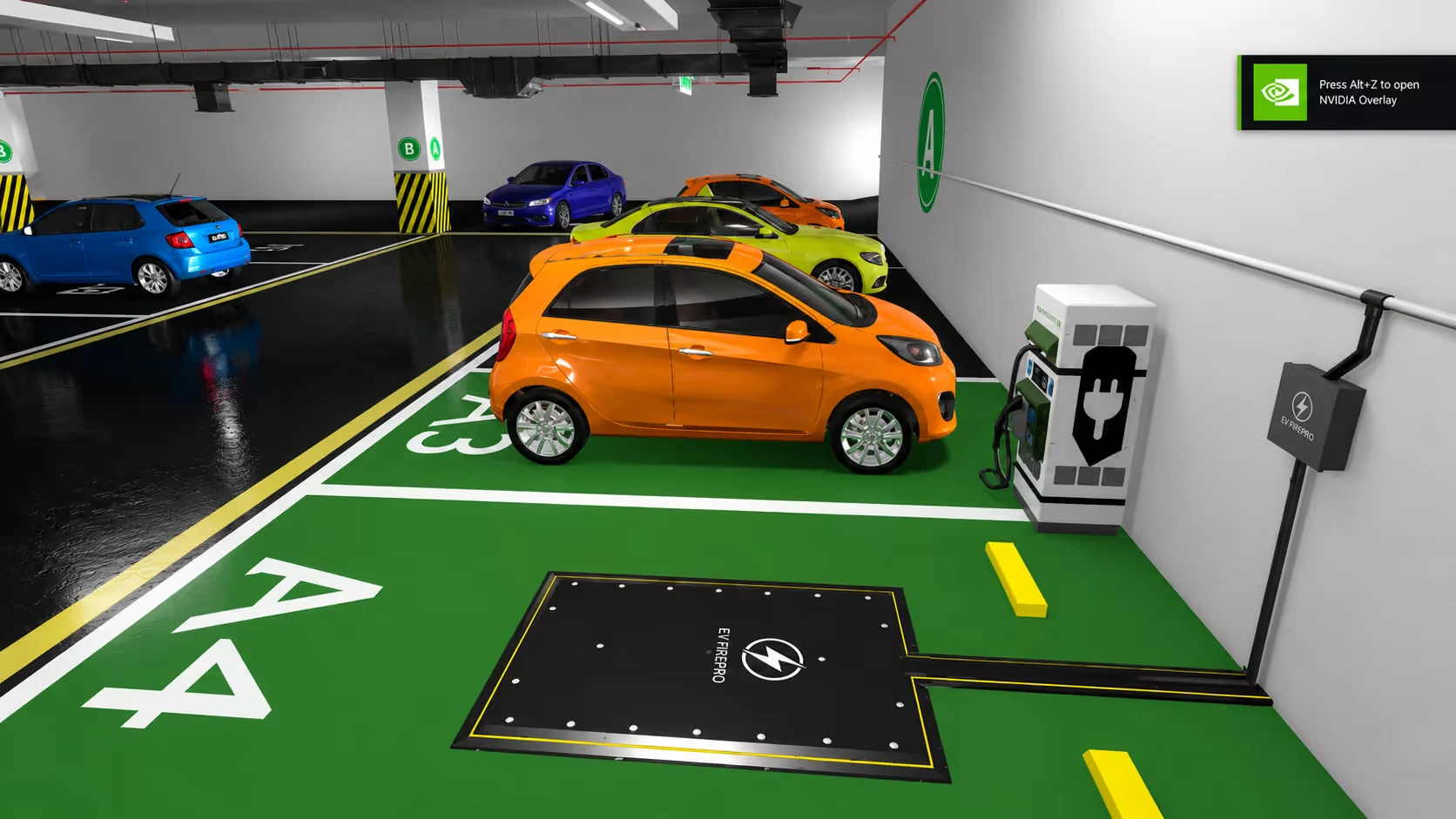
- Three photo-realistic 3D environments: residential parking, shopping mall and corporate basement
- A photo-realistic 3D model of the suppression system, built from the client’s specifications
- A fire and suppression sequence that the user triggers and watches in real time
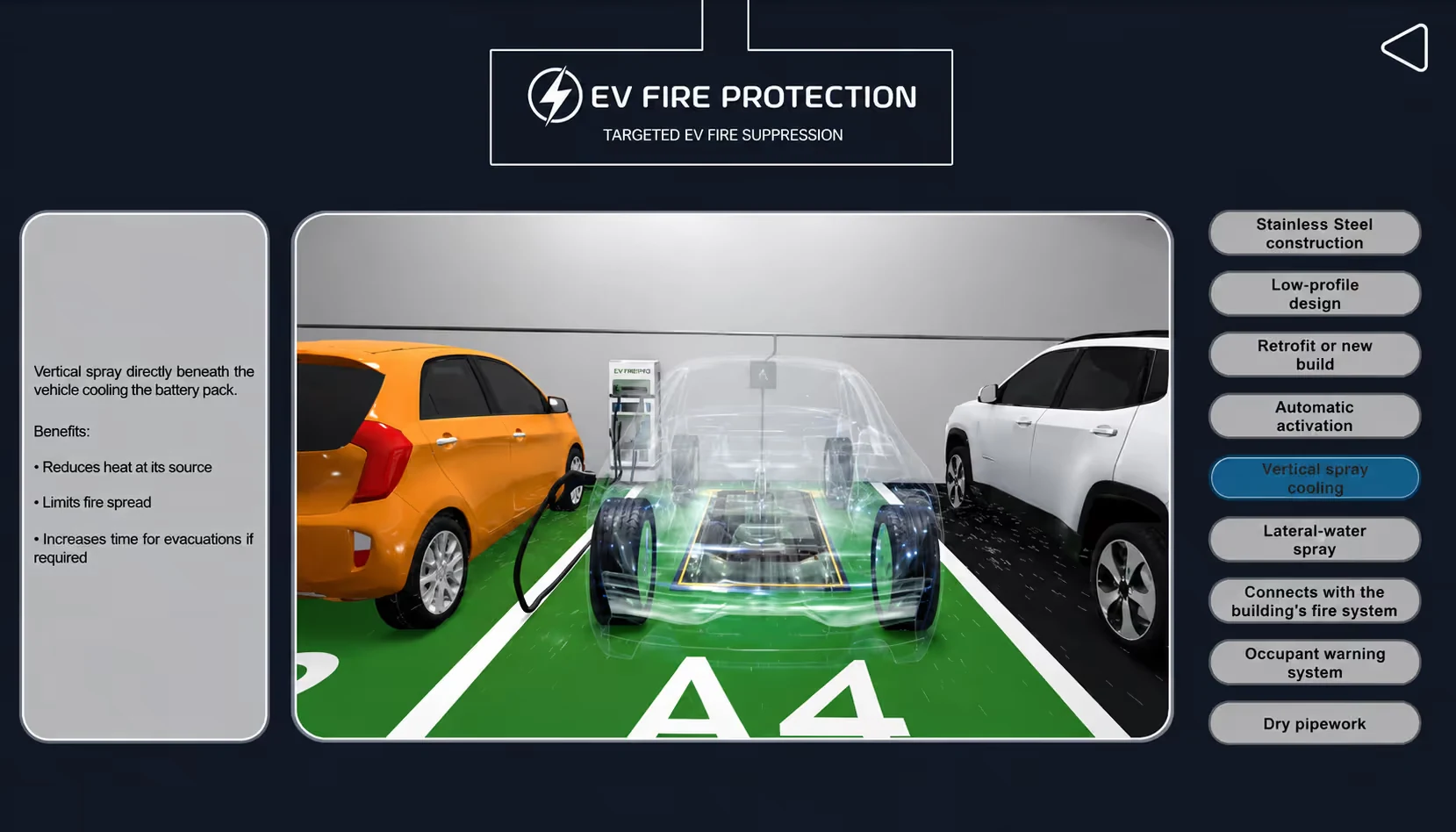
- An X-ray-style walkthrough that makes the vehicle see-through to show the mechanism beneath
- Voiceover narration for every capability
- A 15-second cinematic CG teaser that sets out the scale of EV fire risk
- Full 360° controls to rotate, zoom and orbit, with optional background music
How the demo works
Every step is interactive and narrated, and the journey can be repeated in each of the three environments.
- Introduction: a short cinematic shows the scale of EV fire incidents.
- Choose a setting: the user picks residential parking, shopping mall or corporate basement and enters a fully rendered 3D version of it.
- Explore the product: the suppression system sits at the centre of the scene and can be rotated through 360°, zoomed and orbited. A “Show Product Demo” cue brings a 3D EV into position over the suppression pad.
- Suppress the fire: a realistic fire starts beneath the vehicle, with smoke and sound. The user clicks “Suppress the Fire” and watches the underbody nozzles and side sprays contain it in seconds.
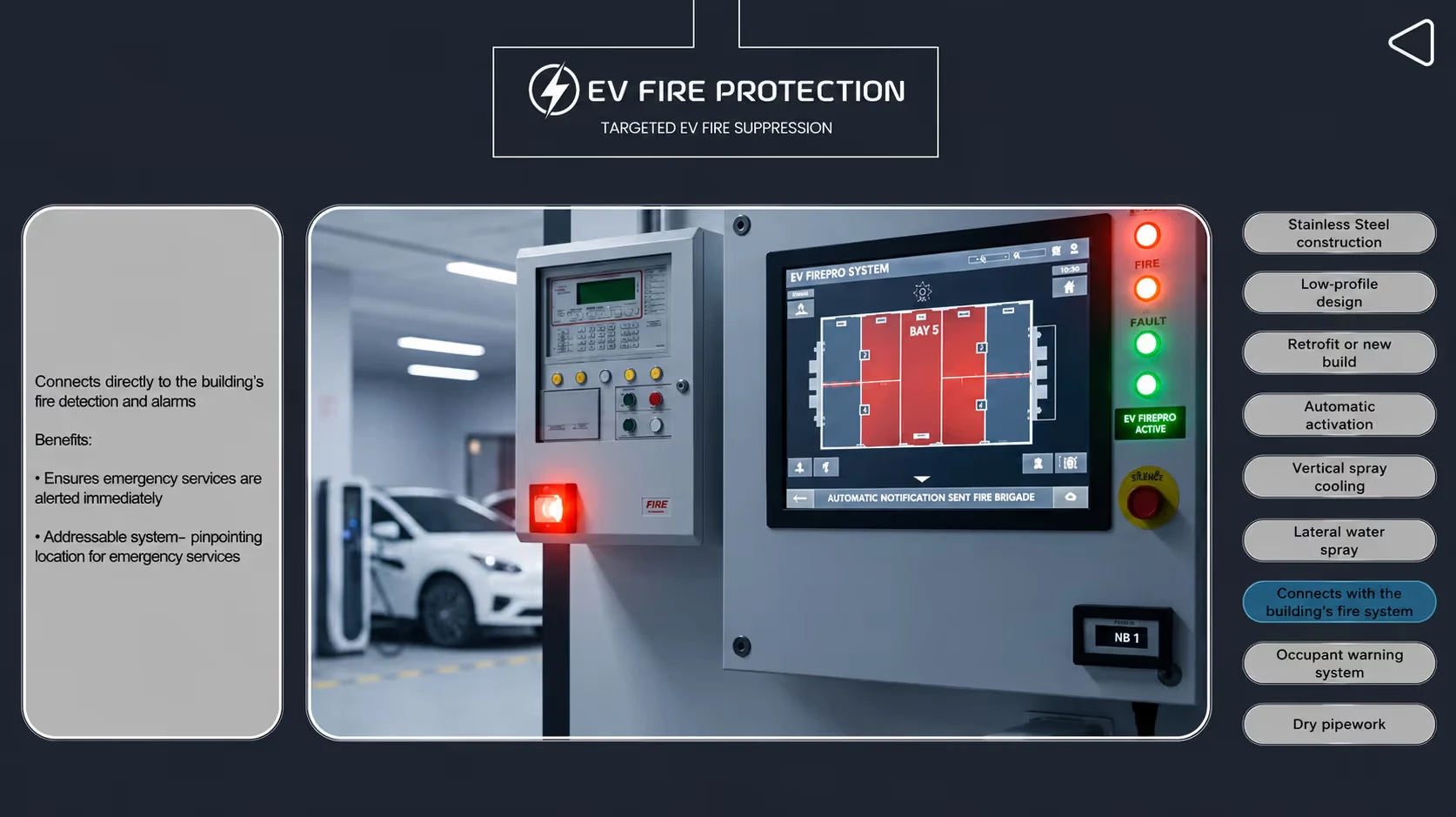
- See inside: the vehicle turns semi-transparent and a narrated 30-second sequence explains the core capabilities: early fire detection, automatic activation, targeted water-spray, lateral containment and the built-in notification and alert system.
Where the client uses it
- Exhibition booths: looped on large screens to draw visitors and explain the product in seconds
- Sales meetings: the full demonstration on a laptop or tablet
- Government and regulatory pitches: showing compliance and safety value without live infrastructure
- New-employee onboarding: technical and commercial hires understand the system before they see one
- The company website: embedded so visitors can make informed enquiries
- Social media: short cut-downs of the demo
Results
The client now owns one 3D demo that works in every sales and training setting, without the cost, risk or logistics of a physical demonstration. Prospects explore the product in the parking setting they care about, so sales conversations move from explanation to evaluation.
Marketing, training and government-facing teams all work from the same technically accurate source.
Frequently asked questions
Which parking settings does the demo include?
Three: residential parking, a shopping mall and a corporate basement.
Can users control the demo?
Yes. They choose the setting, rotate, zoom and orbit the product through 360°, and trigger the fire and the suppression themselves.
Can you build a 3D demo for a product that is hard to show live?
Yes. We build the 3D model from your specifications and design the scenarios around your buyers. Talk to our team about your product.
What does the EV Fire Pro interactive 3D demo show?
The EV Fire Pro interactive 3D demo shows the company's underbody fire-suppression system detecting and putting out a lithium-ion battery fire in a parked electric vehicle. It includes photo-realistic environments, a 3D model built from the client's specifications, an X-ray-style view that reveals the mechanism, voiceover narration and a 15-second cinematic teaser on EV fire risk.
Where does EV Fire Pro use its interactive 3D demo?
EV Fire Pro uses one interactive 3D demo across exhibitions, sales meetings, government and regulatory pitches, new-employee onboarding, its company website and social media. It loops on large screens at booths, runs in full on a laptop or tablet in sales meetings, and is cut into short clips for social media, without the cost or risk of a physical demonstration.
About the solution
3D product configurators
A touch-screen or tablet app where buyers choose the model, options and add-ons, watch key parts animate, and leave their details in the same app. Your booth becomes a lead-capture point, and your sales team gets a tool they can use after the show.
- Choose variants, options and configurations in real time
- Animations of key parts and how the machine works
- Lead form built in, with data you own
- Runs on touch screens, tablets, web and LED walls
Other client work
Ralson Tyres
Ralson Tyres: 3D animated product videos for India and the US
Read the case study
Bliss Europe
A 3D interactive product website for Bliss Europe
Read the case study
Plexus Medcare Hospital
A 360° virtual tour of Plexus Medcare Hospital, open 24/7
Read the case study