

3D product configurators
A touch-screen or tablet app where buyers choose the model, options and add-ons, watch key parts animate, and leave their details in the same app. Your booth becomes a lead-capture point, and your sales team gets a tool they can use after the show.
- Choose variants, options and configurations in real time
- Animations of key parts and how the machine works
- Lead form built in, with data you own
- Runs on touch screens, tablets, web and LED walls
Used by: NBG Printographic (flexo printing machine configurator at Plastindia & Printpack India), EV Fire Pro.
More about 3D product configurators
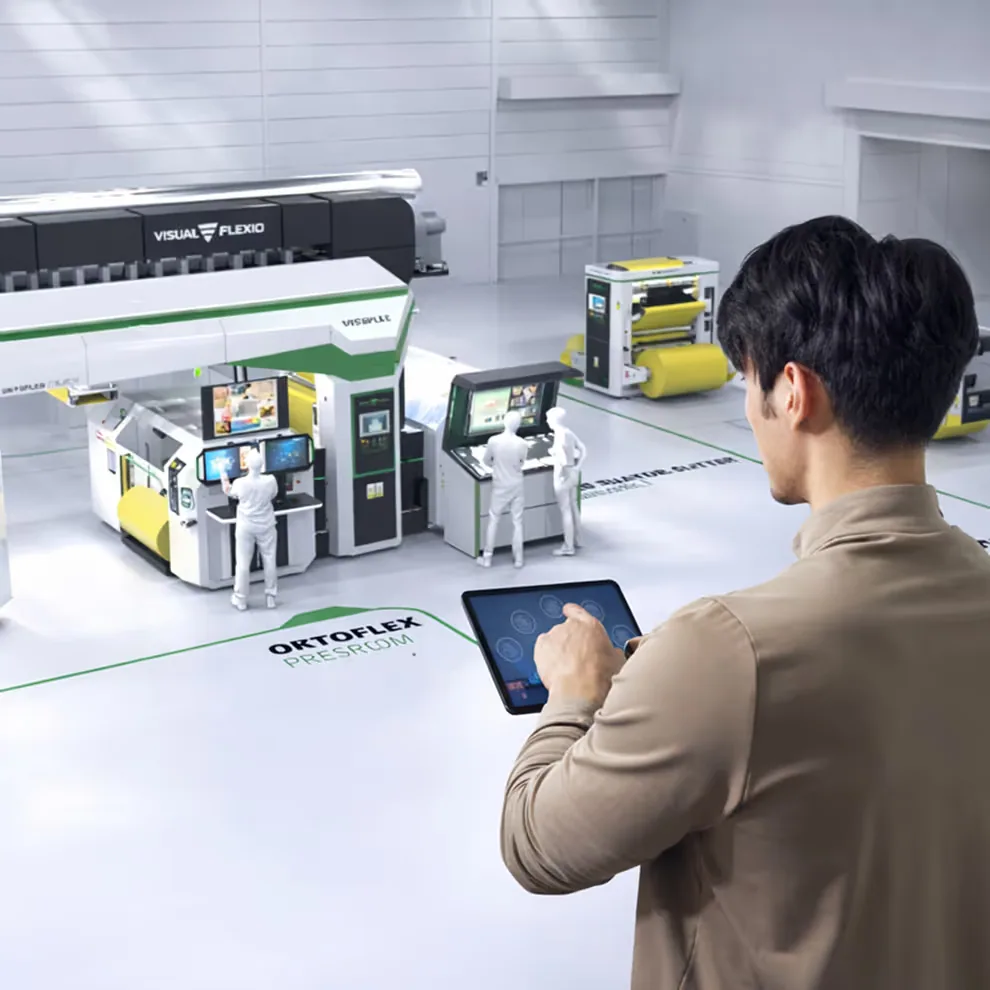
What a 3D product configurator is
A 3D product configurator is an interactive app that replaces the slide deck and the PDF brochure. Buyers pick a model, switch options and add-ons, and see the result in 3D straight away. Animations show key parts moving and how the machine works.
Slides and PDFs leave sales teams with scattered files, no 3D view of the product and a different message from each presenter. The app puts the product, the story and the case studies in one place, and it runs without an internet connection.
Who it is for
- Exhibition teams who want a booth that captures leads.
- Sales teams presenting machines that are too large or complex to carry.
- Marketing teams who want one consistent product story across every meeting.
- Teams pitching to investors, government bodies and partners.
How it works
A typical session follows a set flow, but the presenter can jump to any section during the meeting.
- Brand film. The app opens with a short audiovisual sequence of footage, graphics and key figures.
- Virtual lobby. Clickable sections lead to industries, services, clients and case studies.
- Service and case study pages. Each follows problem, approach, solution and impact, with visuals, animation and optional audio.
- Product demo. 3D and 360 scenes in several scenarios, with zoom, rotate and interactive buttons.
- X-ray walkthrough. Buyers see inside the product and can replay any step.
- Lead capture. Visitors leave their details in the built-in form, and the data belongs to you.
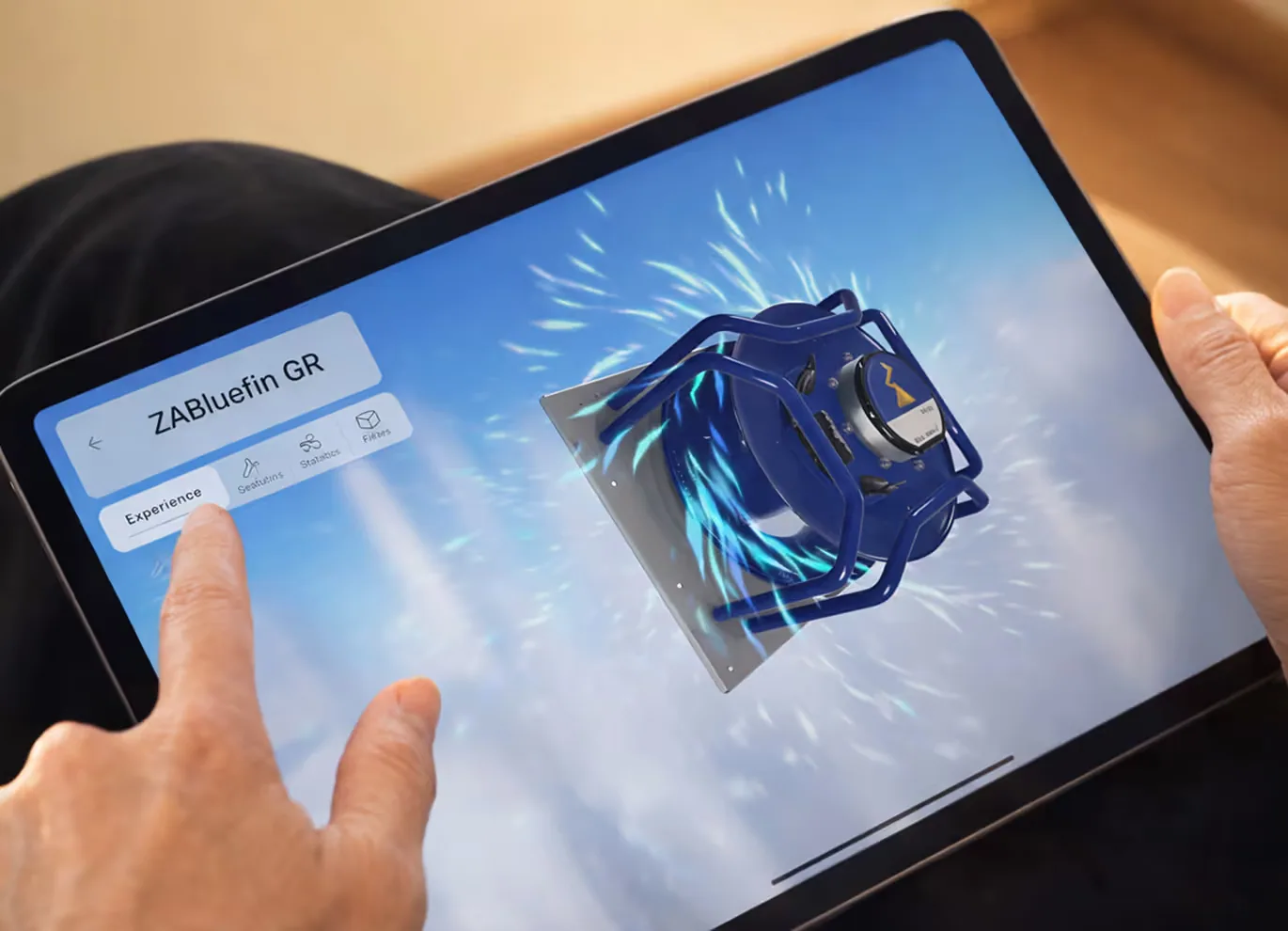
Platforms
The app runs on Windows and macOS laptops and on Android and iOS tablets and phones. WebGL, kiosk and touch-panel builds are optional, and it can also play on LED walls. It is built in a 3D engine such as Unity and runs fully offline during presentations. Internet is needed only for updates or optional online features.
Voiceover and sound effects are supported, and presenters can narrate themselves when sound is not available.
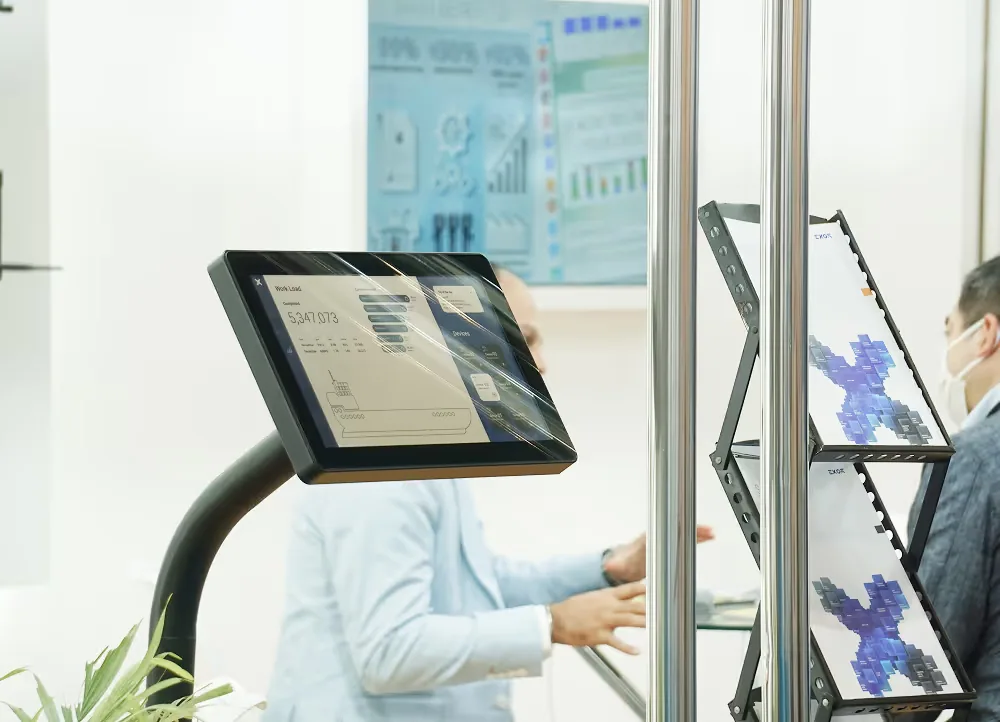
What is included
- Final builds for Windows, macOS, Android and iOS, with optional WebGL or kiosk versions.
- A 60-second brand film with motion graphics and optional 360 or drone footage, ready for offline playback.
- The virtual lobby, menus and navigation for industries, services, clients and case studies.
- Service and case study screens with final copy, visuals and animations, built on reusable templates.
- 3D scenes and mechanism animations for key products where needed.
How we work with you
We start with workshops that turn your raw content into flows, scripts and visual stories. We build the intro and lobby first, then the service pages and case studies, and finally the 3D scenarios and refinements.
The timeline depends on scope. A first version with the intro, lobby and core pages typically takes a few weeks. Ongoing maintenance, new content and platform updates are available.
Where it has been used
We built a flexo printing machine configurator for NBG Printographic, shown at Plastindia and Printpack India. EV Fire Pro also uses an interactive product app. Sales teams use these apps at trade shows, in client meetings, in remote and hybrid pitches, on their websites and for internal onboarding.
Frequently asked questions
What is a 3D product configurator?
It is a touch-screen, tablet or web app where buyers choose the model, options and add-ons and see the product in 3D, with animations of key parts and a built-in lead form.
Can the app work offline?
Yes. It is designed to run fully offline during presentations. Internet is needed only for updates or optional online features.
What devices does it run on?
Windows and macOS laptops, Android and iOS tablets and phones, touch screens and LED walls. WebGL and kiosk builds are optional.
Why is an interactive demo better than a PDF or slide deck?
Buyers can see the product in 3D, look inside it and choose their own options. Every presenter tells the same story, and the app captures leads in the same session.
How long does it take to build?
It depends on scope. A first version with the intro, lobby and core pages typically takes a few weeks.
Where this has been used

More exhibition solutions
 Most requested for exhibitions
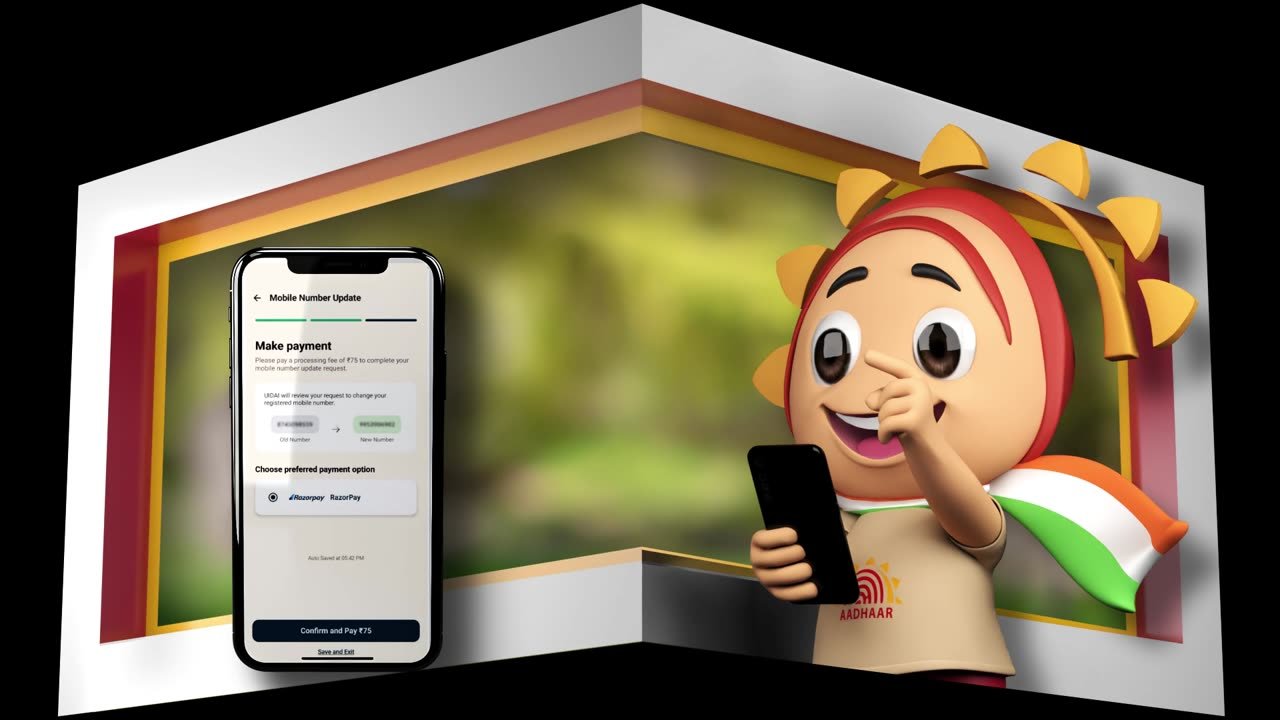
Anamorphic 4D content for LED walls
See the solution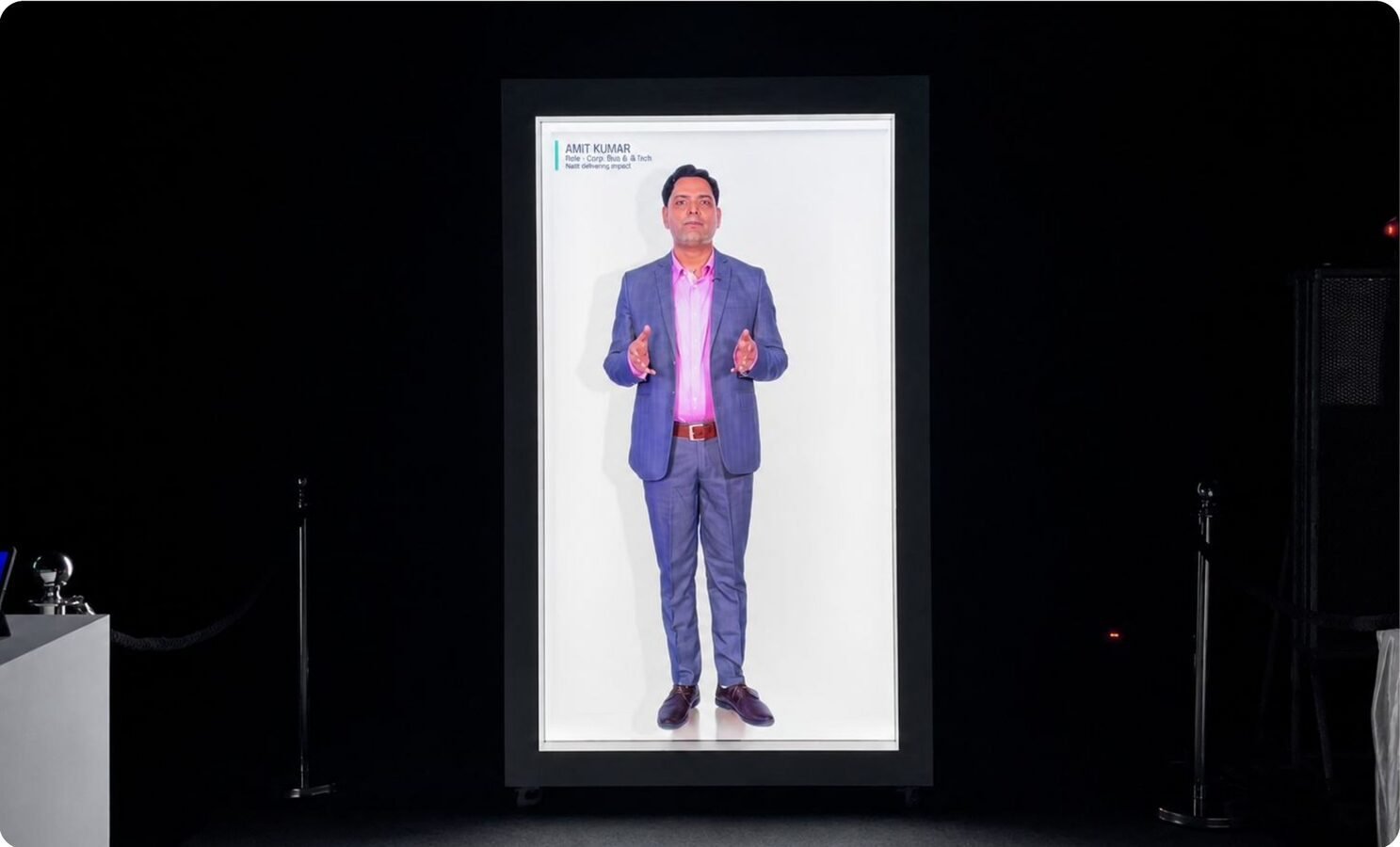 Flagship product
HoloBox: life-size hologram display
See the solution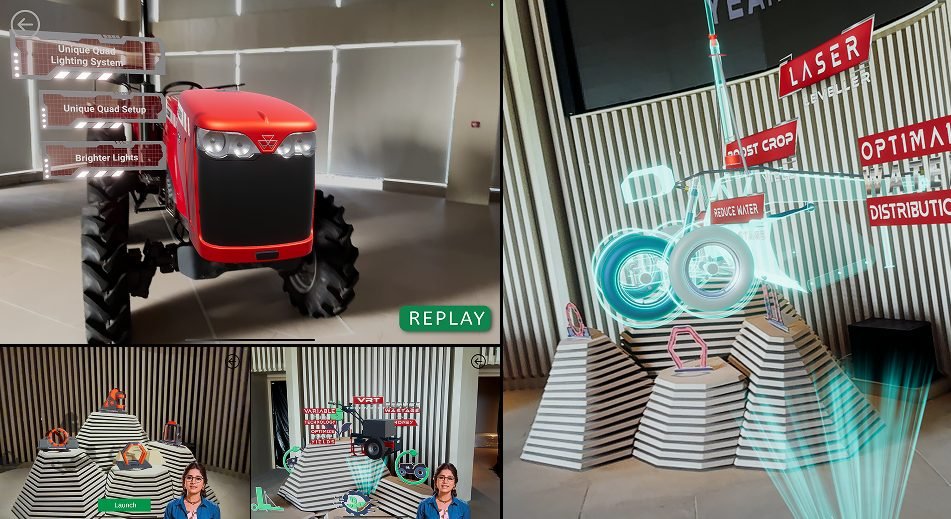 Compact booths
Holographic displays and HoloCube
See the solution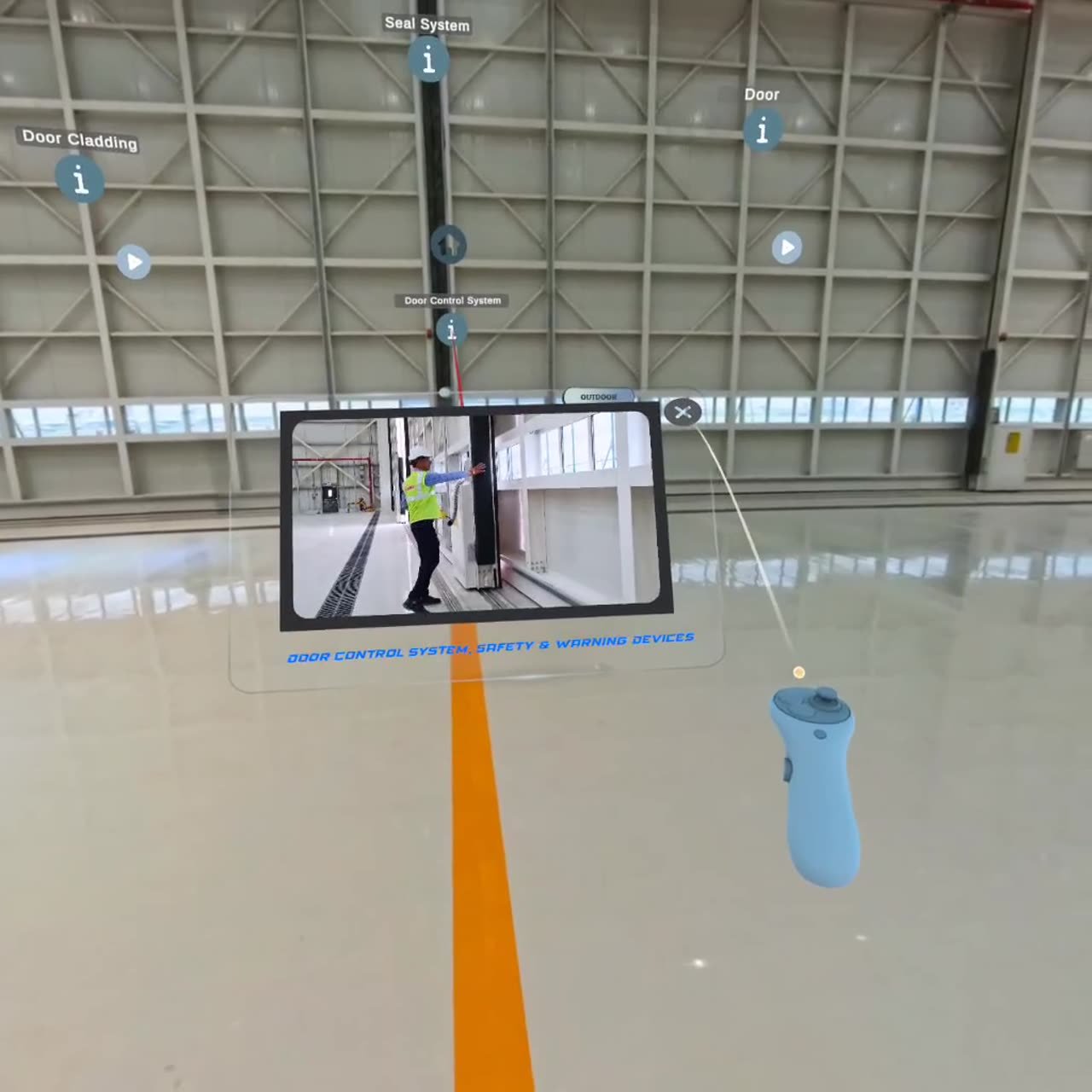 Heavy machinery
Machine visualisation in VR and mixed reality
See the solution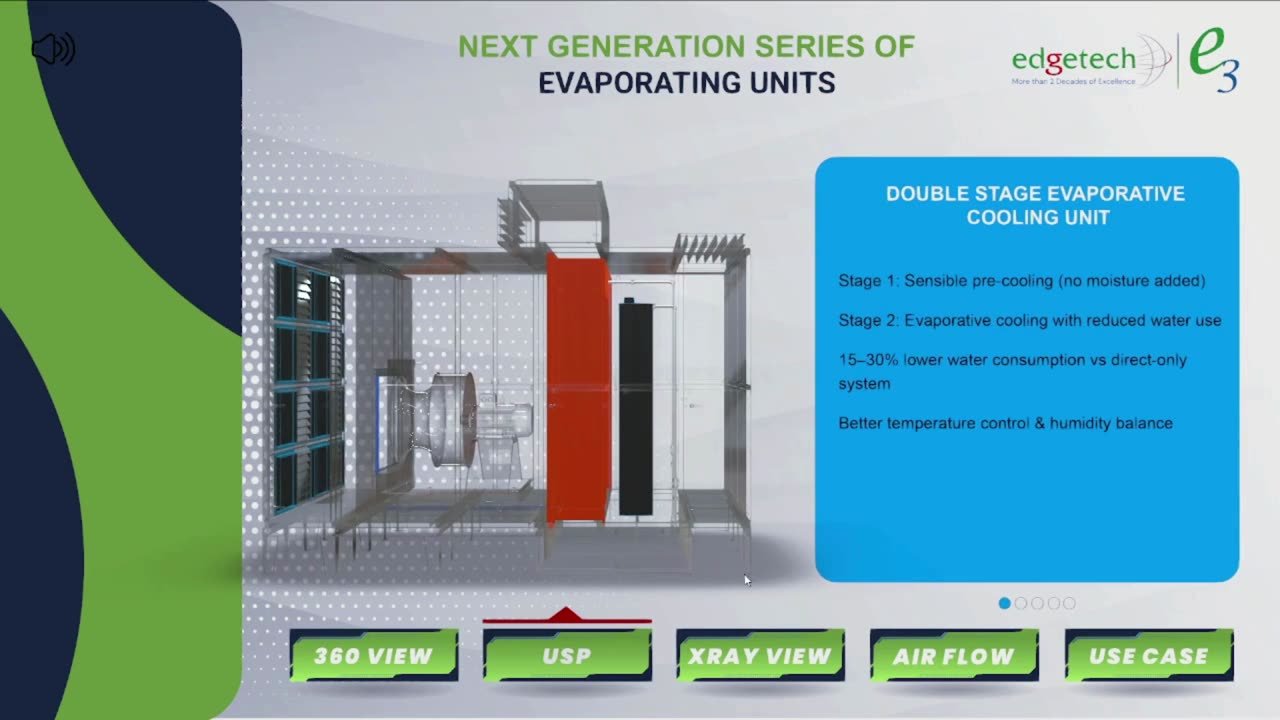 Sales teams
Product visualisation in AR
See the solution Remote buyers & audits